SmartGit for Power Users

Built for maximum control

Full control over complex Git workflows.

Branch Architecture

Manage complex branching models with full structural control.

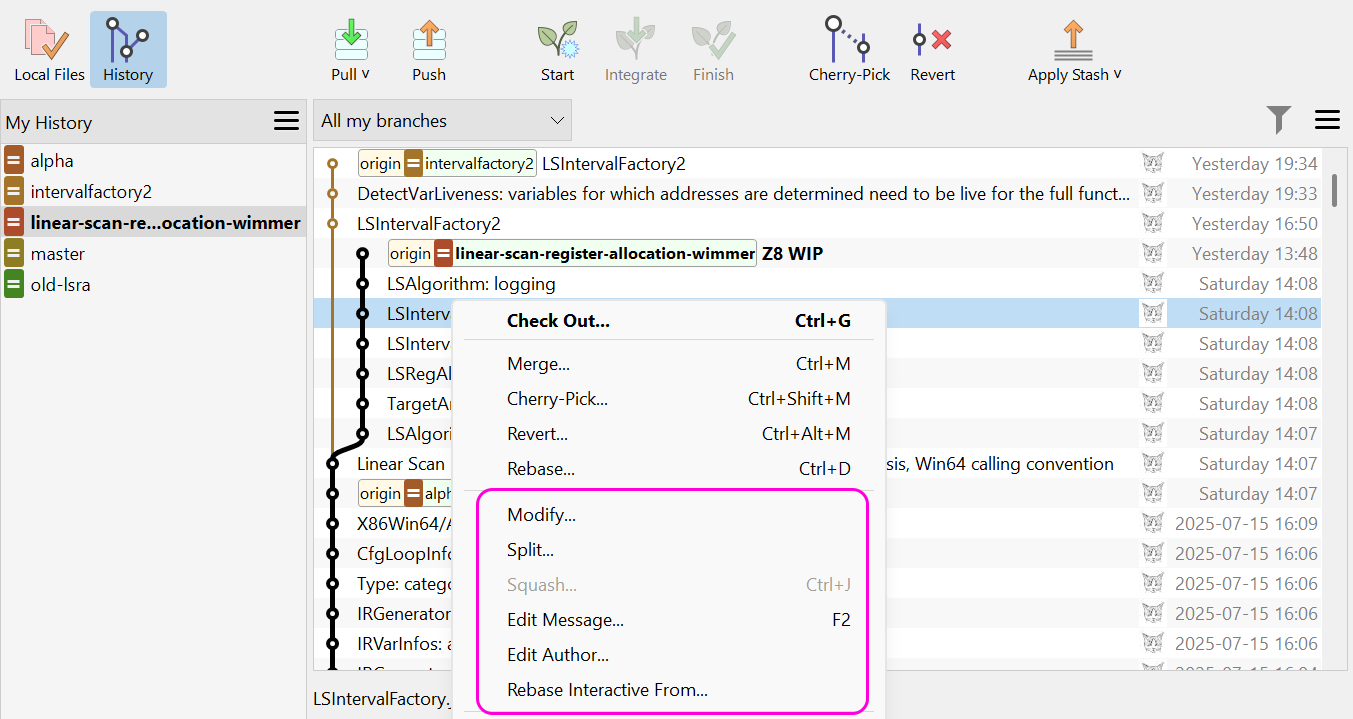
Advanced Rebase & Merge

Execute and inspect sophisticated history operations safely.

Repository Insight

Understand how every commit shapes your project.

Production-Ready Workflows

Protect release branches with reliable, transparent processes.

Why Power Users choose SmartGit

FeatureSmartGitGit Command LineOther GUI Git Tools
Advanced rebasing & history rewriting
Visual interactive rebase

Powerful but complex

Supported in many tools
Complex merge conflict resolution
Detailed visual conflict tools

Manual conflict editing

Visual tools often available
Keyboard-first workflow
Customizable shortcuts

Command-based

Varies by tool
Large repository performance
Fast, even in large repos

Typically fast

Often slow, depends on the tool
Custom commands & scripting
Built-in integration

Scriptable

Varies by tool
Visual history & branch insight
Detailed visual graph

Text-based history

Visual, with different depth

Works on Your Platform

One powerful tool across all your devices

Windows

macOS

Linux

Integrates with Your Tools

GitHub
GitLab
Bitbucket
Self-Hosted

Advanced features for advanced users

Visual History
Visual History

Navigate complex branching structures with powerful filtering and search capabilities.

Conflict Resolution

Resolve complex merge conflicts with precision using the three-pane view.

Smart Branching
Smart Branching

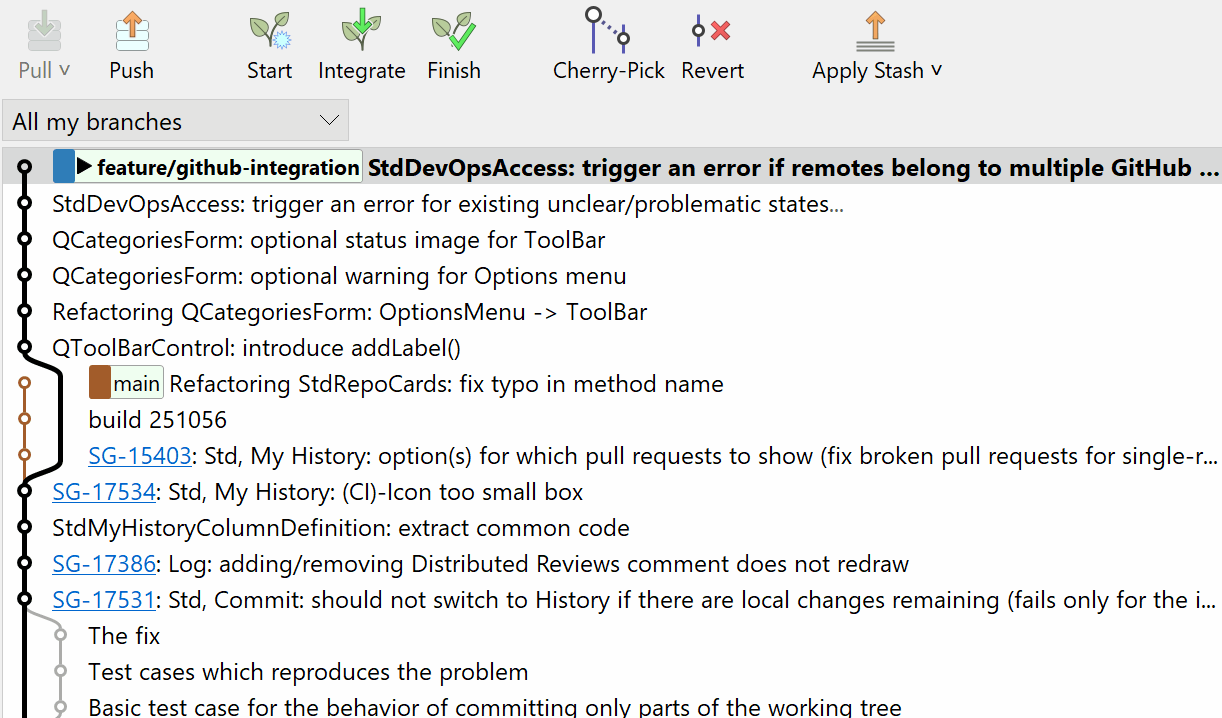
Manage complex branching strategies with Git Flow, rebase workflows, and interactive rebasing.

Clean Commits
Clean Commits

Stage changes at line-level precision and control your commit history with advanced tools.

Try SmartGit free for 30 days

No credit card required. Full features.

See if SmartGit fits your workflow.

Windows
macOS
Linux

Got questions?

Let me help you find answers!

SmartGitty
Yes. SmartGit offers complete keyboard customization. You can map any operation to any key combination, create command sequences, and even import/export your configuration to use across machines.
Absolutely. SmartGit lets you add custom Git commands and shell scripts to the menu system. You can pass parameters, capture output, and integrate external tools seamlessly.
SmartGit is engineered for performance. It uses lazy loading, smart caching, and optimized data structures to handle repositories with hundreds of thousands of commits without slowdown.
Yes. SmartGit works perfectly alongside command-line Git. Use SmartGit for visual operations like history exploration and conflict resolution, and switch to the terminal for scripted workflows.
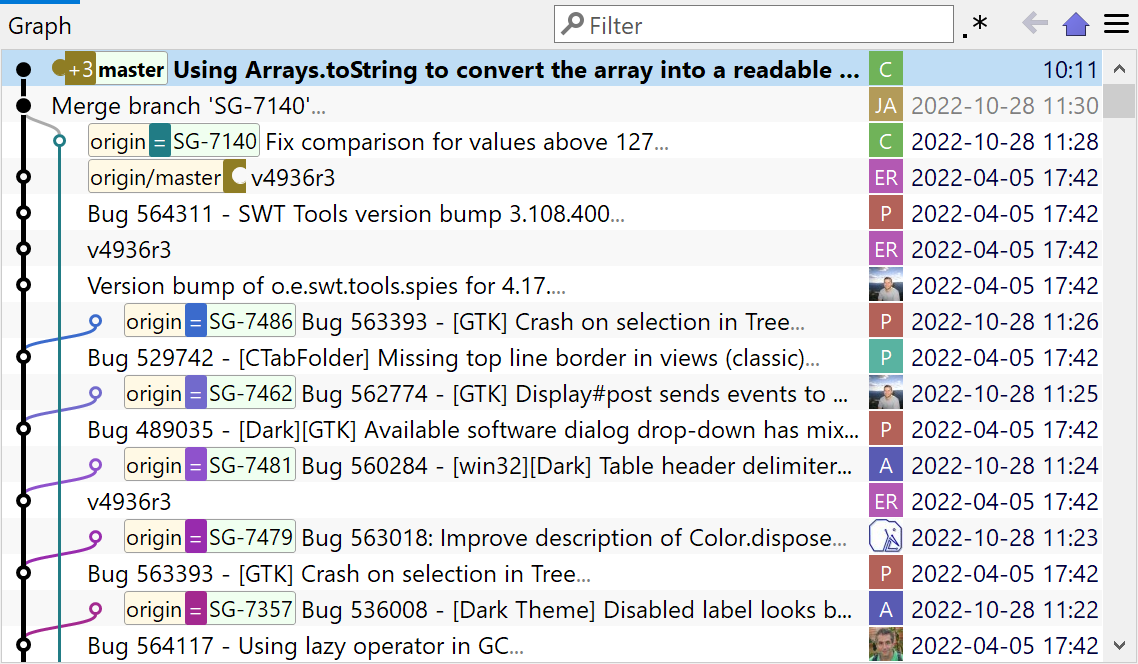
Illustration of Smart Gitty, the SmartGit mascot -- a grey cartoon cat with glasses, sitting behind a laptop