SmartGit for Beginners

Learn Git visually and build confidence

What problems do beginners have with Git?

Beginners typically struggle with:

The command line

Memorizing commands and fear of breaking things

Merge errors

Scary conflicts without visual guidance

Understanding branches

Confusion without a visual map

Why is SmartGit ideal for beginners?

SmartGit shows you what Git is doing instead of just executing commands.

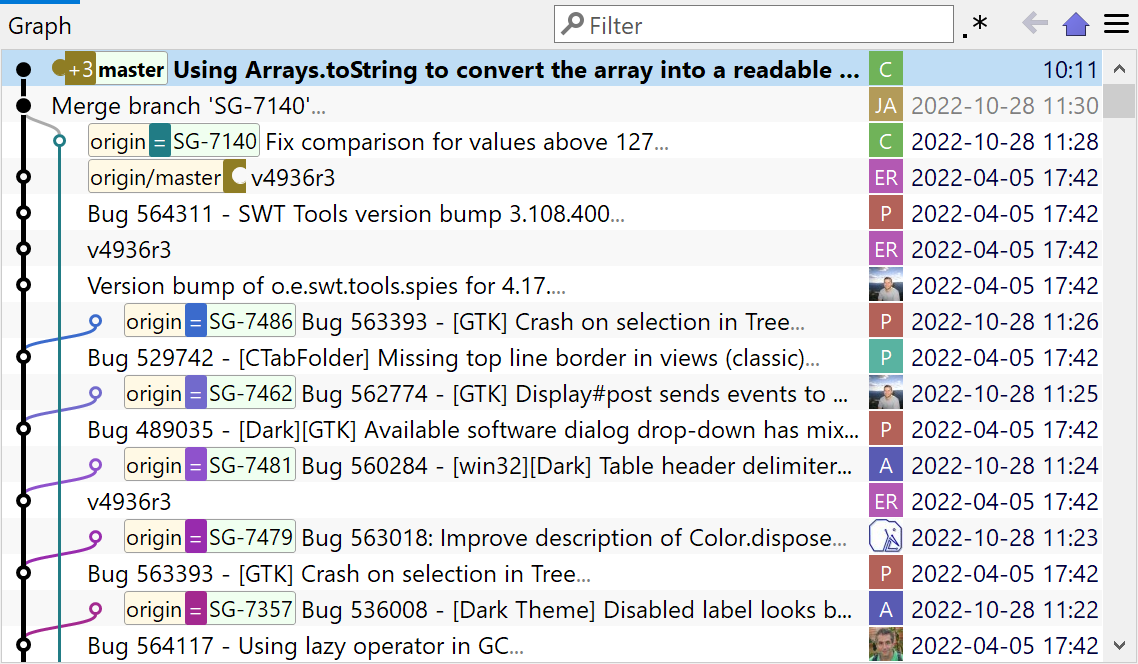
SmartGit's visual commit history graph

See your repository structure

Every branch, commit, and merge is displayed as a visual graph. No more guessing where you are or what happened.

The graphical history view shows your entire project timeline at a glance — making it easy to understand Git's branching model without memorizing commands.

Learn more about Visual History

Resolve conflicts with confidence

Built-in merge tools show both versions side-by-side. Choose what to keep without fear of losing work.

The three-pane view gives you complete clarity during merge conflicts — you can see your changes, their changes, and the merged result all at once.

Learn more about Conflict Resolution
SmartGit's clean commit features

Avoid mistakes before they happen

SmartGit warns you before dangerous operations and makes it easy to undo changes. You'll never accidentally lose work or mess up your repository.

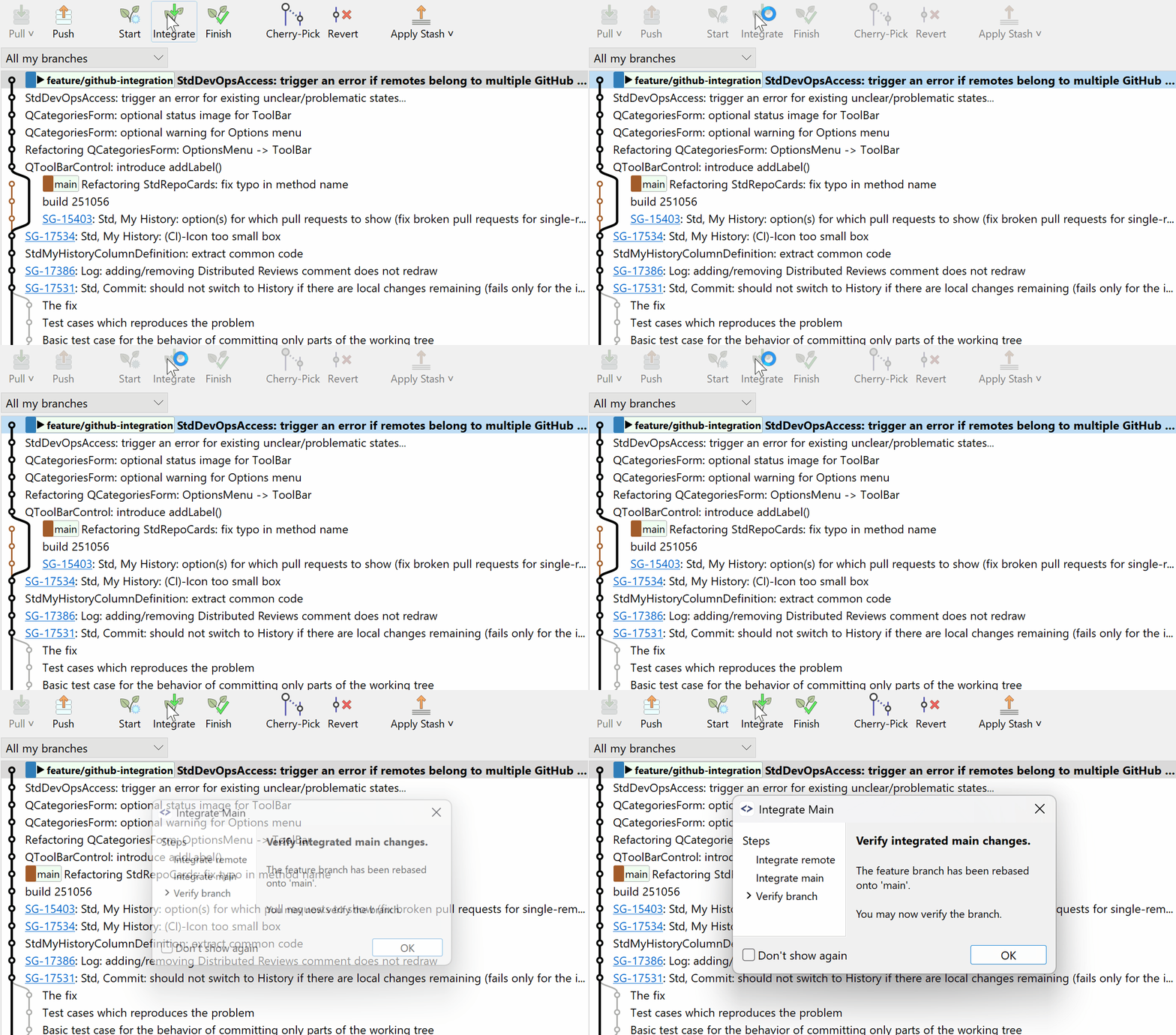
With visual confirmation dialogs and easy rollback options, you can experiment and learn without fear.

Learn about Clean Commits

Ready to get started?

Try SmartGit free for 30 days and experience Git learning without the stress.

Free for non-commercial use

How does SmartGit compare to other Git tools?

FeatureSmartGitGit Command LineOther GUI Git Tools
Visual representation of Git
Branches, commits, merges are clearly visualized

No visual representation

Visual workflows available
Beginner-friendly
Designed for beginners

Steep learning curve

Generally easier than CLI
Safe handling of merges
Guided & visual merge conflict resolution

High risk of mistakes

Often visual, tool-dependent
Understanding branches
Branches are visible and intuitive

Concept-only

Usually visual
No command memorization
No need to memorize commands

Required

Partial
Professional Git features
Full Git functionality

Full

Sometimes limited, with different focus
Illustration of Smart Gitty, the SmartGit mascot -- a grey cartoon cat with glasses, sitting behind a laptop