
SmartGit · Visual Git client
What if you never had to be alone on your Git journey?
From your first steps to the toughest paths, SmartGit is there for you.
Works on your desktop
Connects to your tools
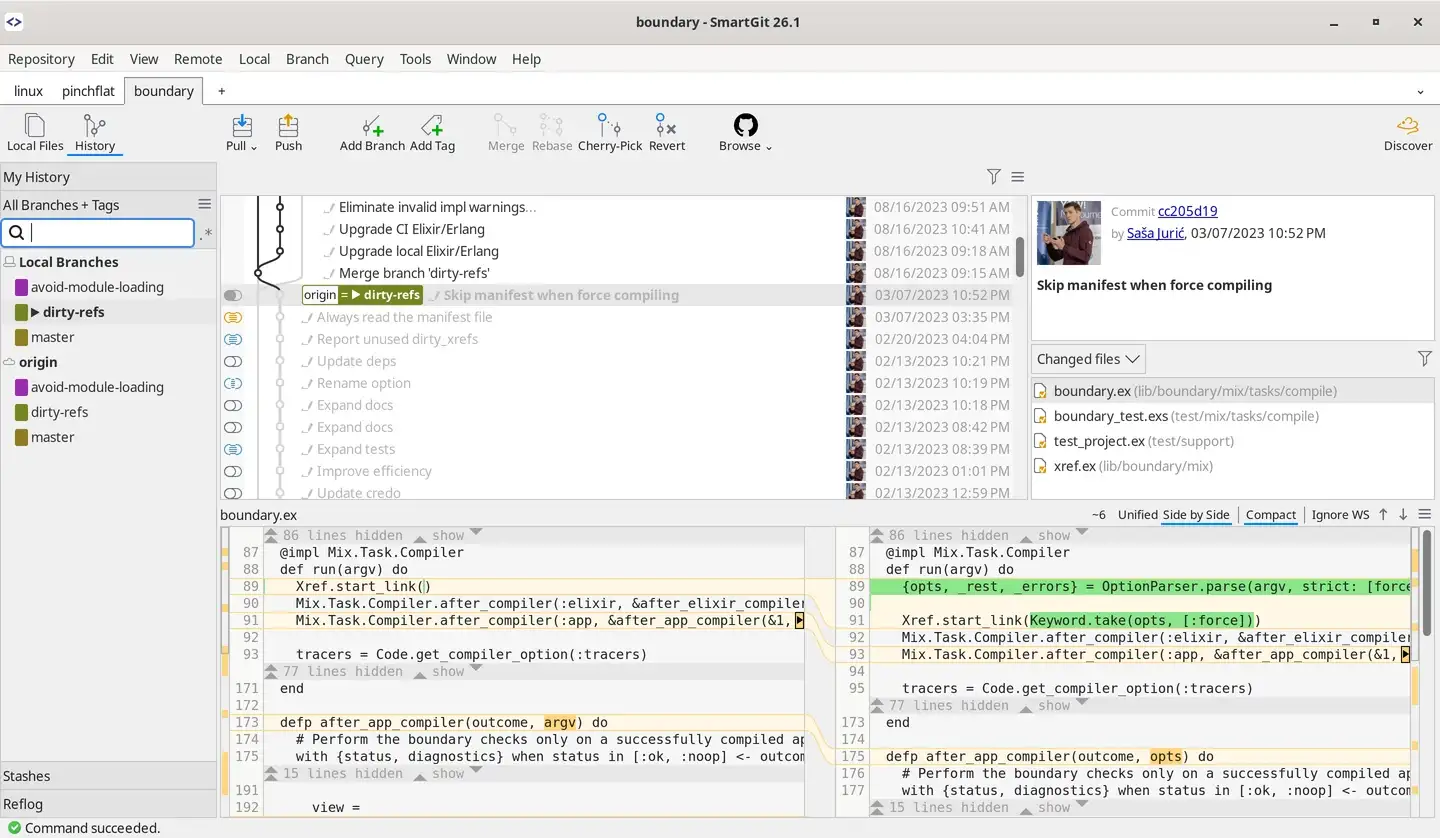
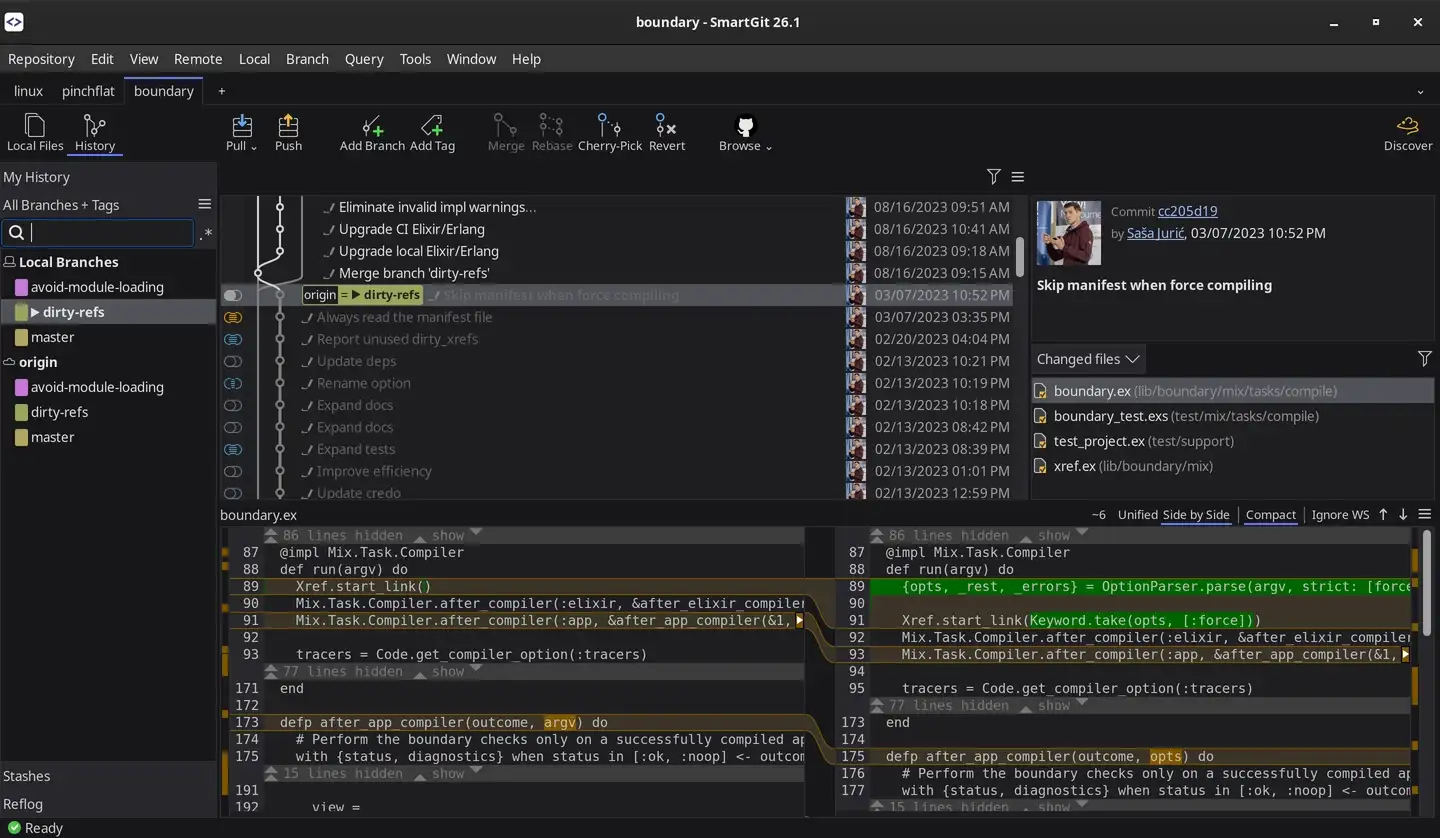
SmartGit · Visual Git client
Everything you need for a professional Git workflow — in one tool.
SmartGit adapts to how you work — whatever your role.
SmartGit supports the full Git workflow from the first clone to confident deployment. See how SmartGit supports your Git workflow every step of the way.
Step 1
Clone an existing Git repository or initialize a new one in seconds.
Step 2
Manage commits, branches, and merges in a powerful, graphical Git interface.
Step 3
Review changes, resolve merge conflicts, and keep your history clean.
Step 4
Commit locally, push remotely, and deliver your work securely and reliably.
Software consultant maximizes productivity by unifying Git workflows across multiple clients using SmartGit's consistent, feature-rich interface and seamless integrations.
When a single file spans thousands of lines of C++ code, even seasoned developers need a reliable ally—enter SmartGit's game-changing review capabilities.
Discover how SmartGit's intuitive approach to Git submodules broke down the walls between technical and creative teams in game development.
Get SmartGit for Windows, macOS, or Linux with just a few clicks.
Open a local Git repo or clone from GitHub, GitLab, Bitbucket, or Azure DevOps.
Make changes, commit with confidence, and push your work effortlessly.
That's it. Enjoy a powerful, intuitive Git experience with SmartGit.